The three biggest changes to come to Instagram this May

Since the last time we talked about the latest version of Instagram, lots of new stuff has happened. In less than a month, Instagram has included a heap of new changes and we know you’re dying to hear all about them: Story search by geolocation or hashtag, image previews and URLs in DMs, and the option to hide your posts without having to erase them.

You can now search Stories by location and hashtag
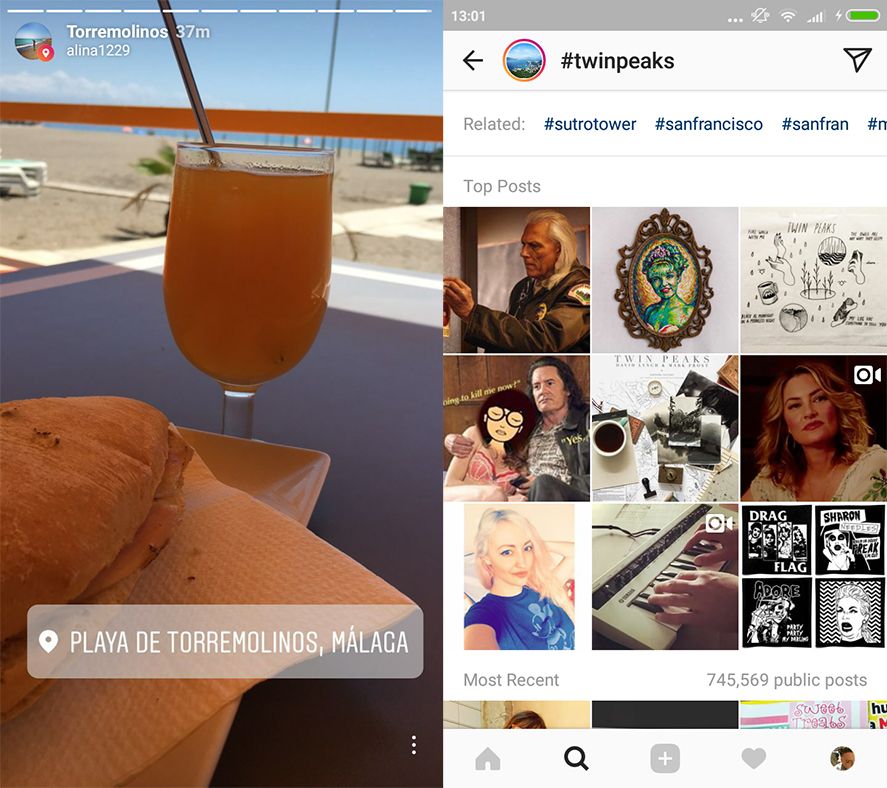
Instagram’s recent upswing has lots to do with its big push in incorporating Stories, which have been getting new features regularly. Now a new feature has been added to change the way we use Stories: they get indexed based on the place and hashtags that get used in them.
Thanks to the location stickers, it’s now possible for your Stories to appear for people who are in the same area or who search for that location. Plus you can use any hashtag so your Story can be searchable or make an organized timeline on whatever subject you’re interested in. The Search bar where Stories used to appear has also been modified and now you see stories from the place where you’re physically located first. That said, you do have the option to exclude your stories from the list even if you do use hashtags or location stickers. Just remove it from the list of people who can see the Story.
DMs get important updates
We might say communication in private threads is one of the weak points of the Instagram app. The way it works is a bit simplistic, though we can’t deny it does at least get the job done. The features added in recent days are in keeping with the simple tone of direct messages, but they’ve got enough substance to improve on the functionality: DMs now display link previews, as well as both vertical and horizontal photos.
Up to this point the photos you sent as DMs were automatically resized into Instagram’s traditional 1:1 format, but with the new update you can send pics or videos in their original dimensions. The link preview is something that most chat apps have been doing for a while now, so its extension to Instagram Direct feels natural. That said, Android users still have to wait a bit to be able to enjoy sending media in its original size.

Now photos can be hidden without deleting them
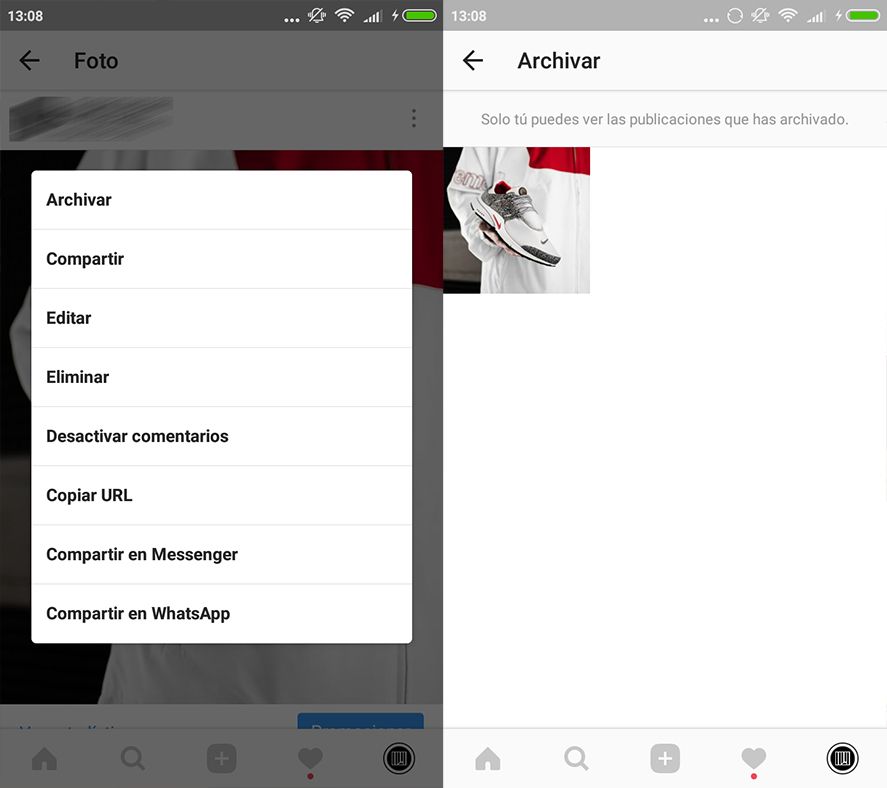
Till now if for some reason you wanted to hide an image you’d posted on Instagram your sole option was to delete it. Say goodbye to this constraint thanks to a new feature: the Archive, a space where you can hide posts that you don’t want to appear in your account without losing the likes and message threads attached to them.
The way it works is as simple as picking the Archive option from the menu on each post. To view your archived content just go to the new icon in your profile in the shape of a clock ticking backwards. There you can view your posts and restore them as desired. Note that this new feature is still not available for everybody as it’s being rolled out gradually.
Instagram for Android on Uptodown [APK] | Download
0 comments:
Post a Comment