Happy Chick: The definitive emulator bundle for Android

Emulating classic consoles may well be, in a technical sense, simple as pie. But it does come with certain logistical hurdles in terms of picking a good program, installing decent ROMs in a specific folders, and setting up all the graphics and compatibility features. Happy Chick is a resounding hit outside the legal circuit with its offer of a complete suite of emulators and a huge list of games for different consoles on its own servers to download locally as desired.
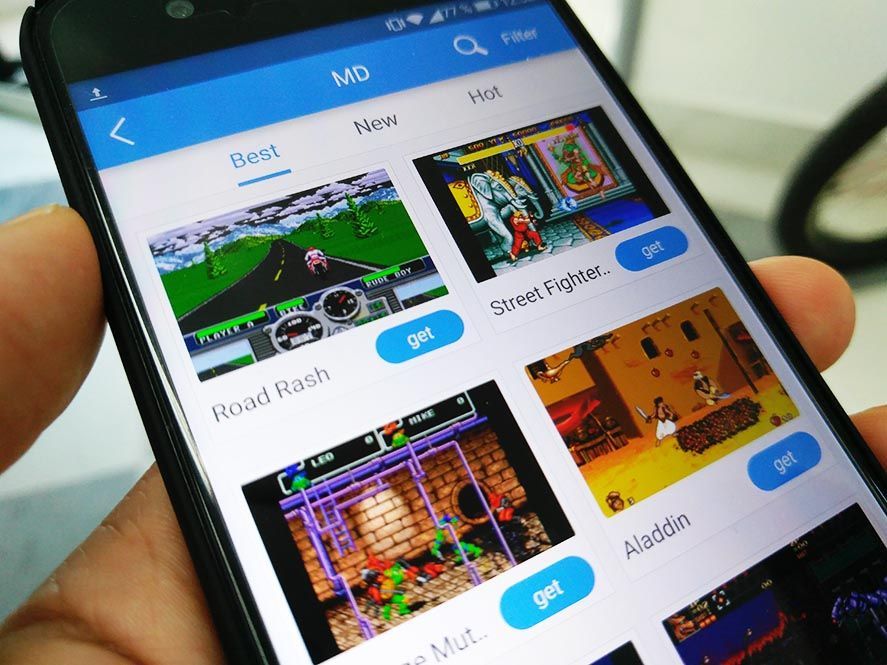
Here we do have to highlight the illicit nature of this tool, though it does play with certain holes in the regs when it comes to offering its service. By default the app includes no games, just the built-in emulator bundle, whose internal operations are hidden. And obviously the emulators themselves are not illegal. In terms of the games, they’re uploaded by the app users themselves: gamers can create new entries by uploading the ROM along with screenshots and extra info. We’re clearly looking at a sort of peer-to-peer platform, a fact lets the Happy Chick developers wash their hands of any illegal activity as they’re not the ones who actually share copyrighted content.
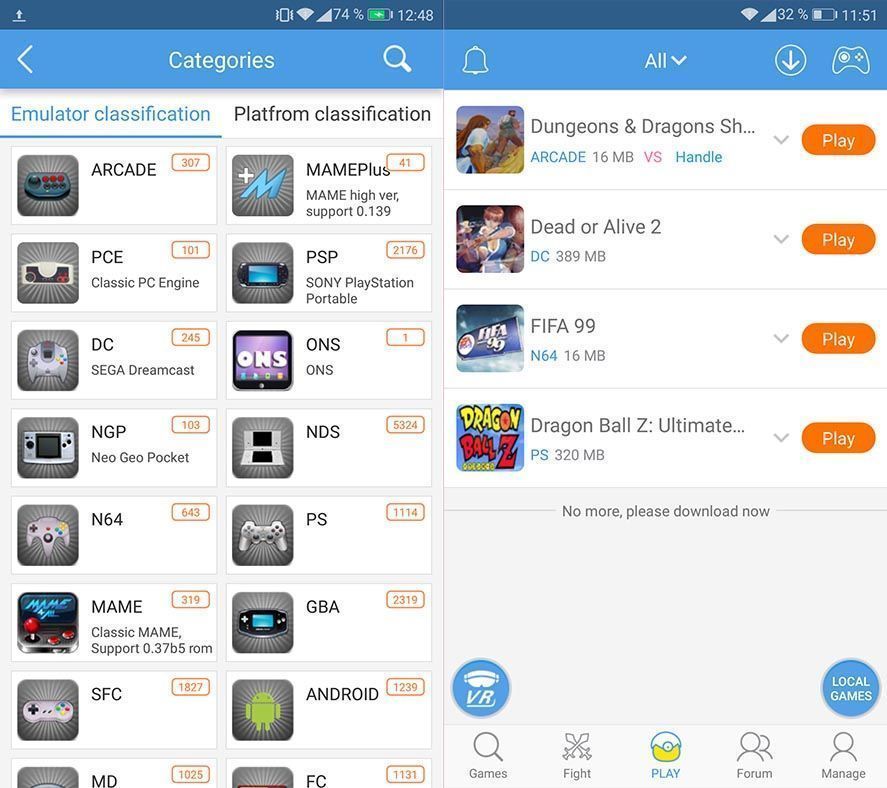
Just one tip before you start using it. It’s more than likely that when you first install it the app will be in Chinese. To change the language go to Manage on the bottom bar, then Settings, and Language to pick the one you need. From there, if you want, you can also change the filepath where you want to put the downloaded games.
The list of emulators is more than comprehensive: arcade machines, PC-Engine, PSP, Dreamcast, PSP, Dreamcast, NeoGeo Pocket, Nintendo DS, Nintendo 64, Nintendo DS, Playstation, PSP, Game Boy Advance, Super Nintendo, Megadrive, NES, Wonderswan Color, and Game Boy Color. In the case of the arcade machines, it includes several variants of MAME.
Happy Chick could be a bit confusing when you first come at it as it’s got a rather elaborate start page with several banners and options in random languages. Just go into the Category section to find a familiar list of emulators along with the number of games for that console that are ready to download. Once you’re on the page for the emulator and game of your choice just tap Get and it will download locally. (You can also upload your own file in case the one that’s there doesn’t work or you’ve got a different version to share.)
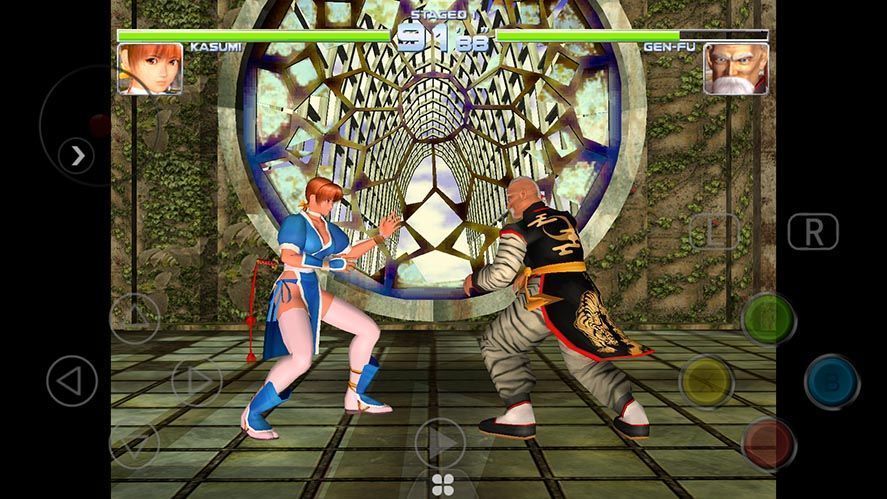
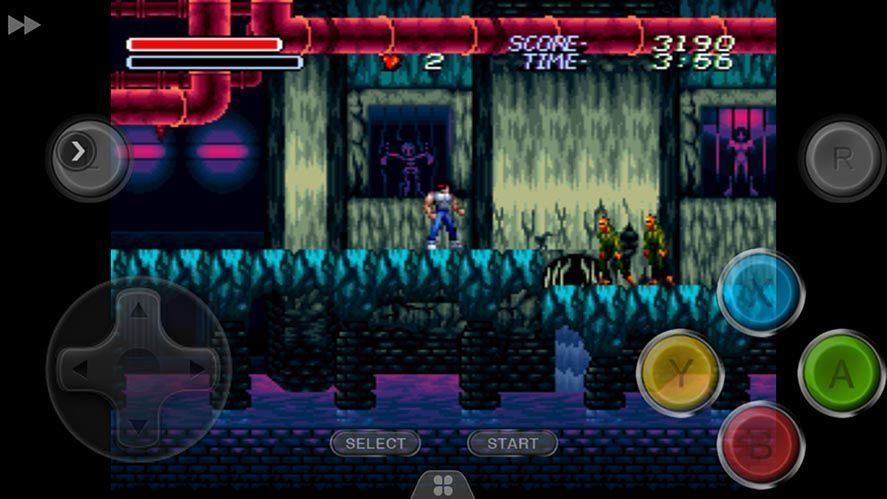
When you start the game the emulator launches and you can play with no limits of any kind. Tap the Home button and it takes you to a submenu from which you can return to the main menu, record your game, and make minor generic or specific adjustments to the emulated machine.
To access the list of local games go to the PLAY tab in the lower menu. Beyond that, the Fight submenu has a list of titles with people playing online alongside the number of gamers connected. When you click a title you’ll go into a lobby where you can get organized with the other participants via chat, or create your own open games.
With all these chops in its favor, we have to mention that Happy Chick is the most complete emulator bundle to be found at the moment (though with a nod to the faithful old RetroArch), with the extra appeal that you can quickly download games to your device and administer your library with no hassle whatsoever.
0 comments:
Post a Comment